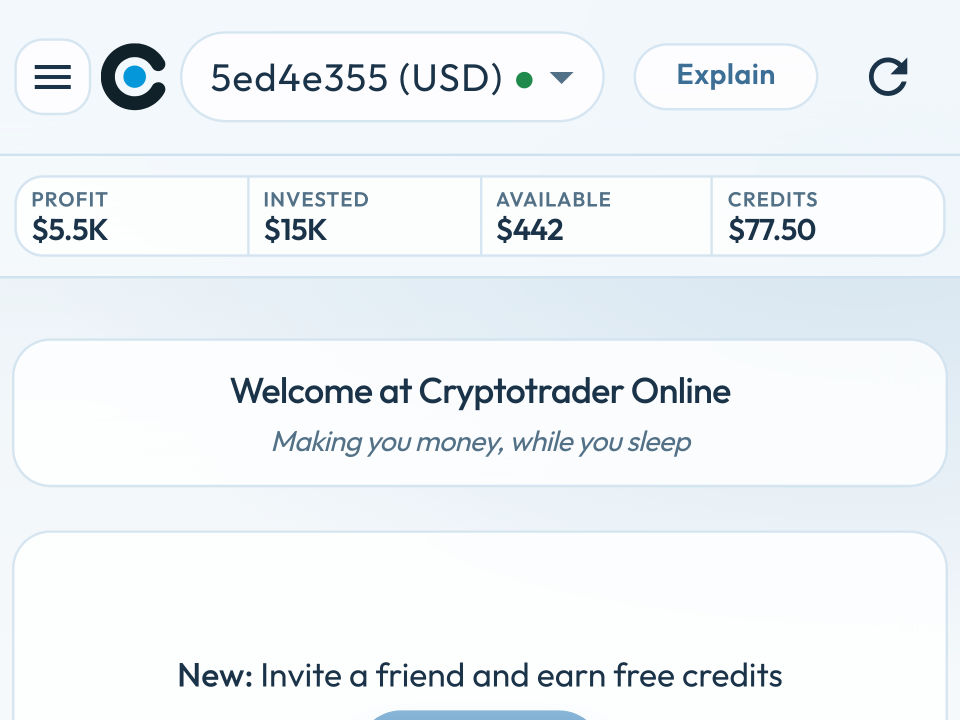
Buy and sell settings belong to the trader you selected at the top.
Trading or Sell Only
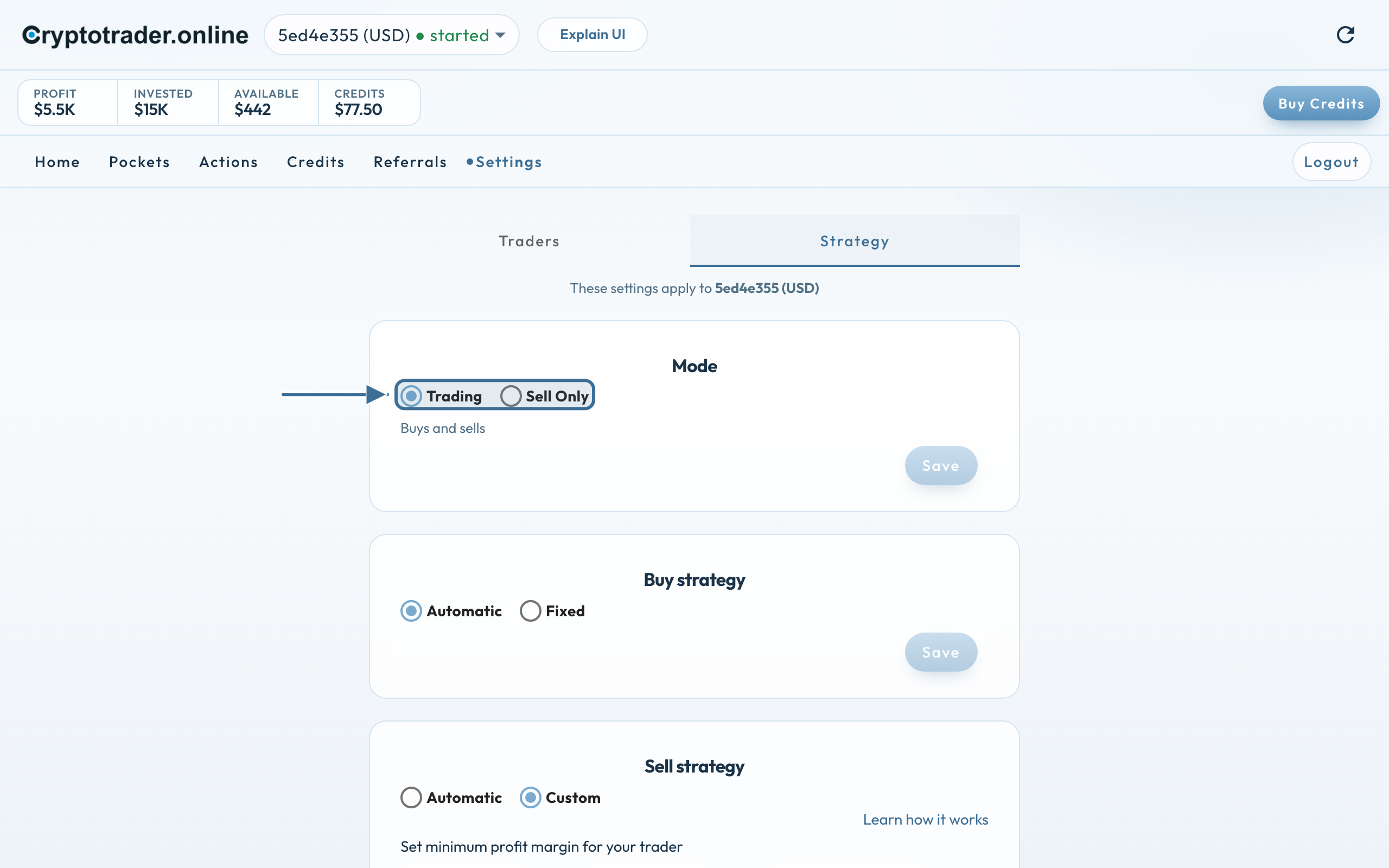
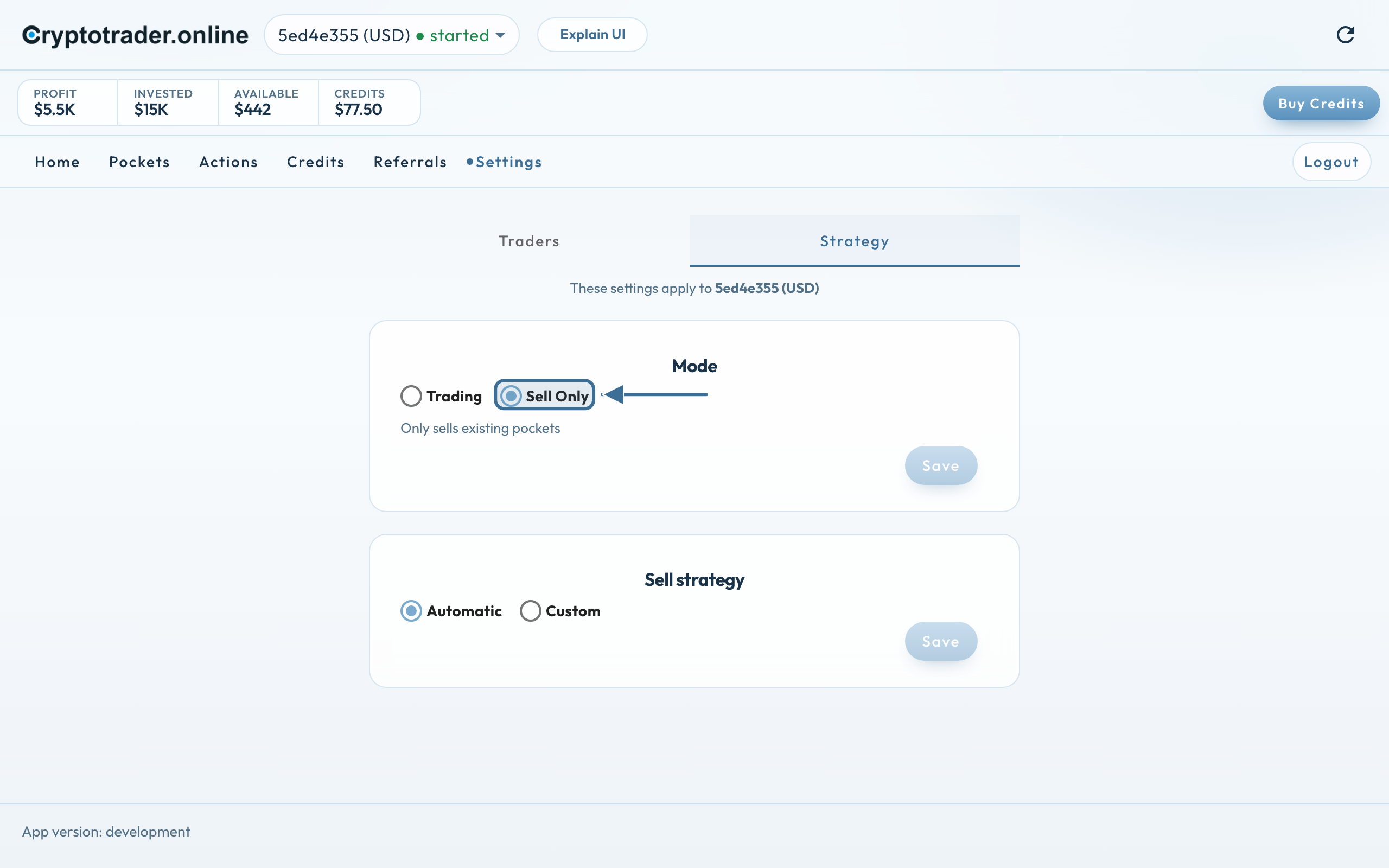
New on the Strategy tab: the mode.
Trading — the trader buys and sells, as you’re used to. You see the buy strategy and the sell strategy.
Sell Only — the trader will sell existing pockets at a profit until it is empty. It no longer buys anything.
Trading: buy and sell, for this trader.Sell Only: sell strategy only.
When Sell Only?
You want to switch to a EUR trader. You put the old USD trader in Sell Only; it will then sell the pockets at a profit for USD. You can then convert that USD yourself on the exchange to euros for the new trader.
You want to wind down a trader: existing pockets may take profit, nothing new should be added.
You need cash in that currency and don’t want new pockets.
How to set it
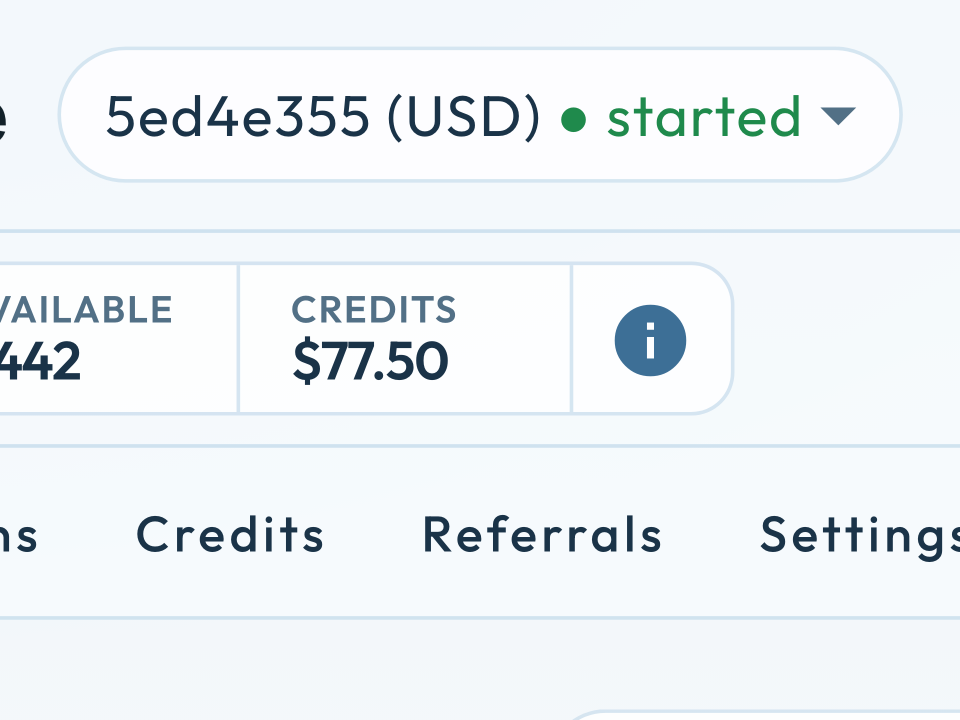
Pick the trader at the top.
Go to Settings → Strategy.
Check the line These settings apply to ….
Choose Trading or Sell Only and press Save next to Mode.
Then set Buy strategy (Trading only) and Sell strategy, each with its own Save.
We use cookies for the website (essential, including coupon/affiliate) and, only with your consent, for statistics via Google Tag Manager. Reject does not load tracking.