The Cryptotrader Web App has been updated to version 1.6.7 and has the following new features
-
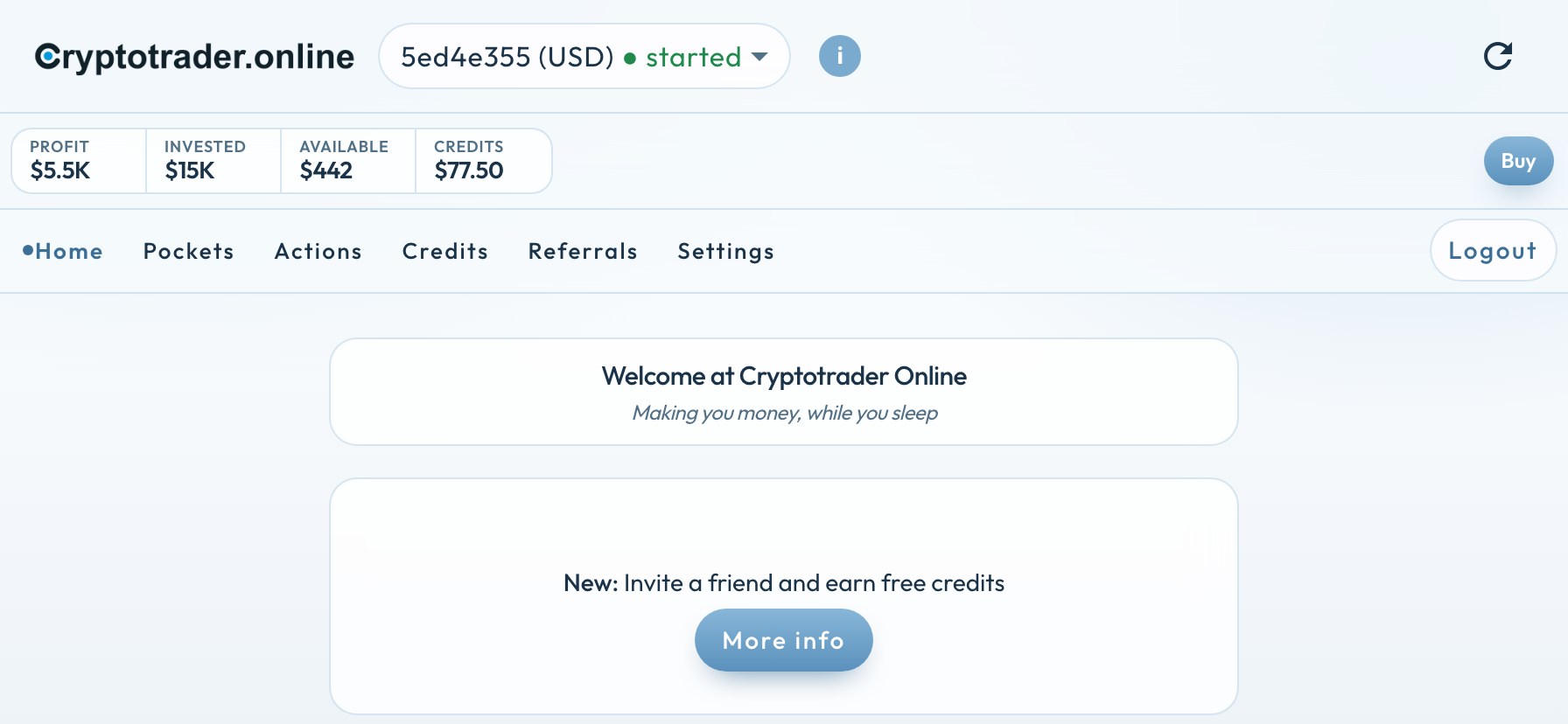
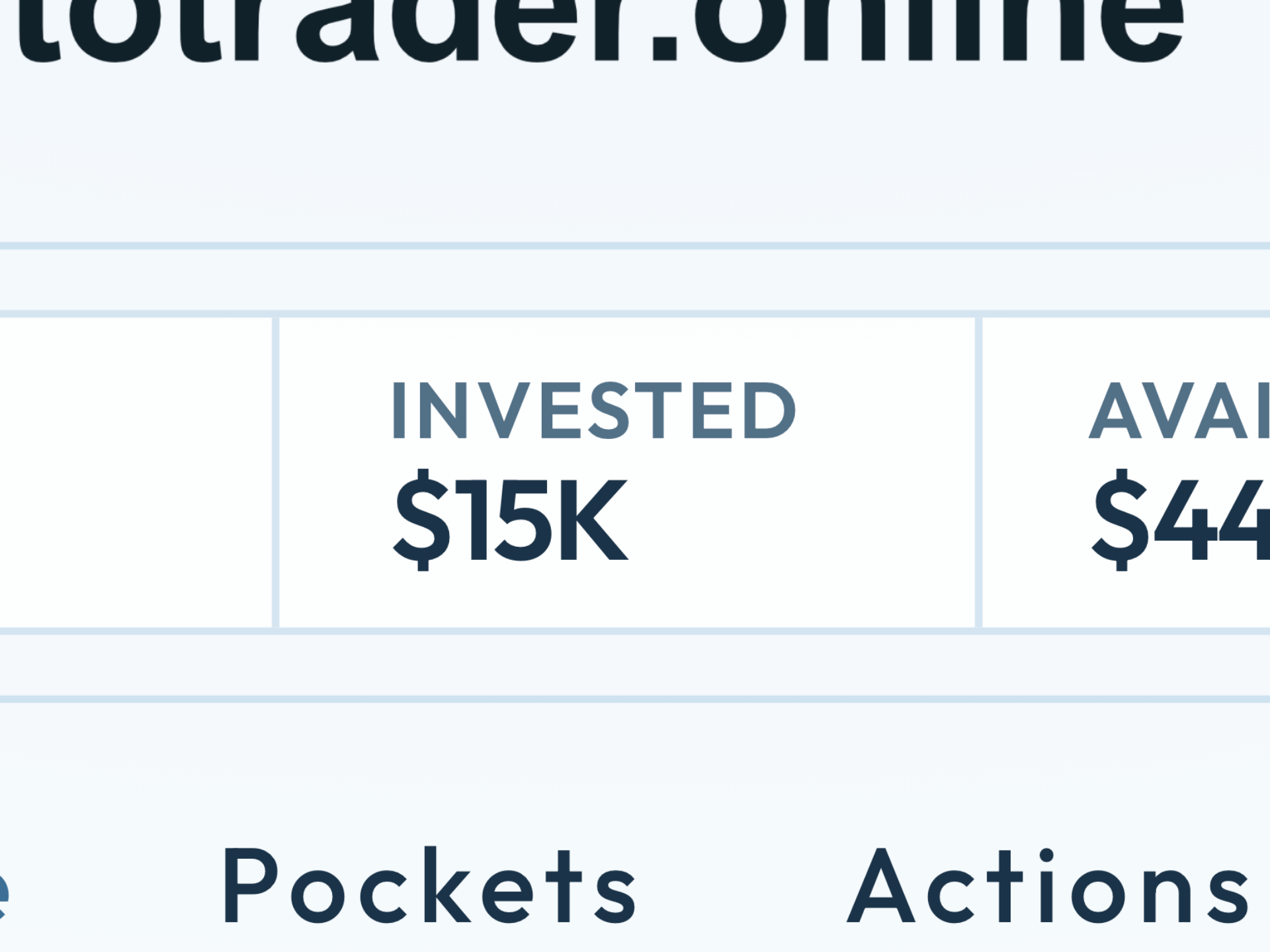
As a user you can now also see how much USD you have invested in the trader. This can now be seen at the top of the screen at Invested (I).
-
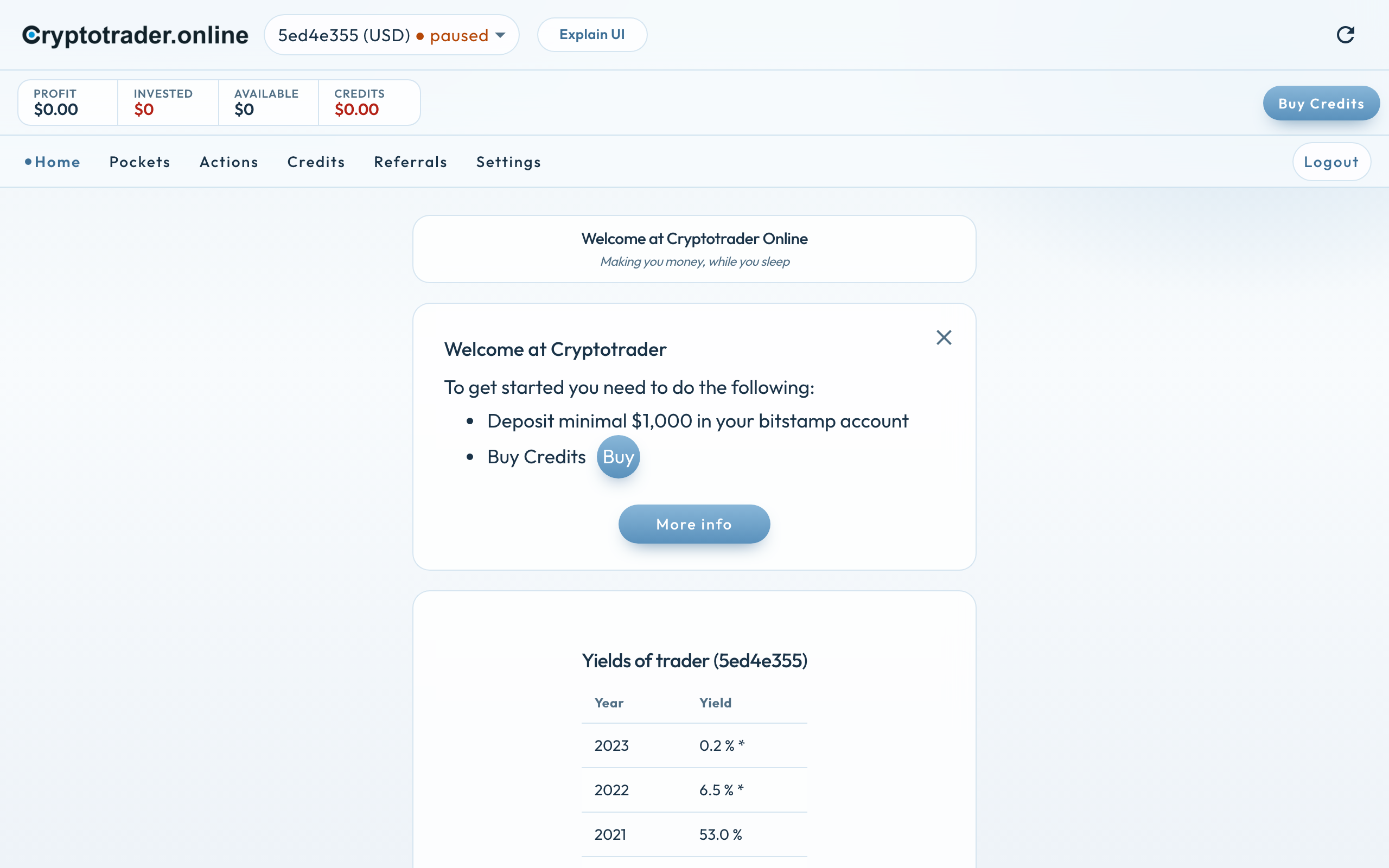
New traders are provided with a help screen to help them get started. You can easily see if not enough USD has been deposited in the linked exchange account or if no credits have been bought.
-
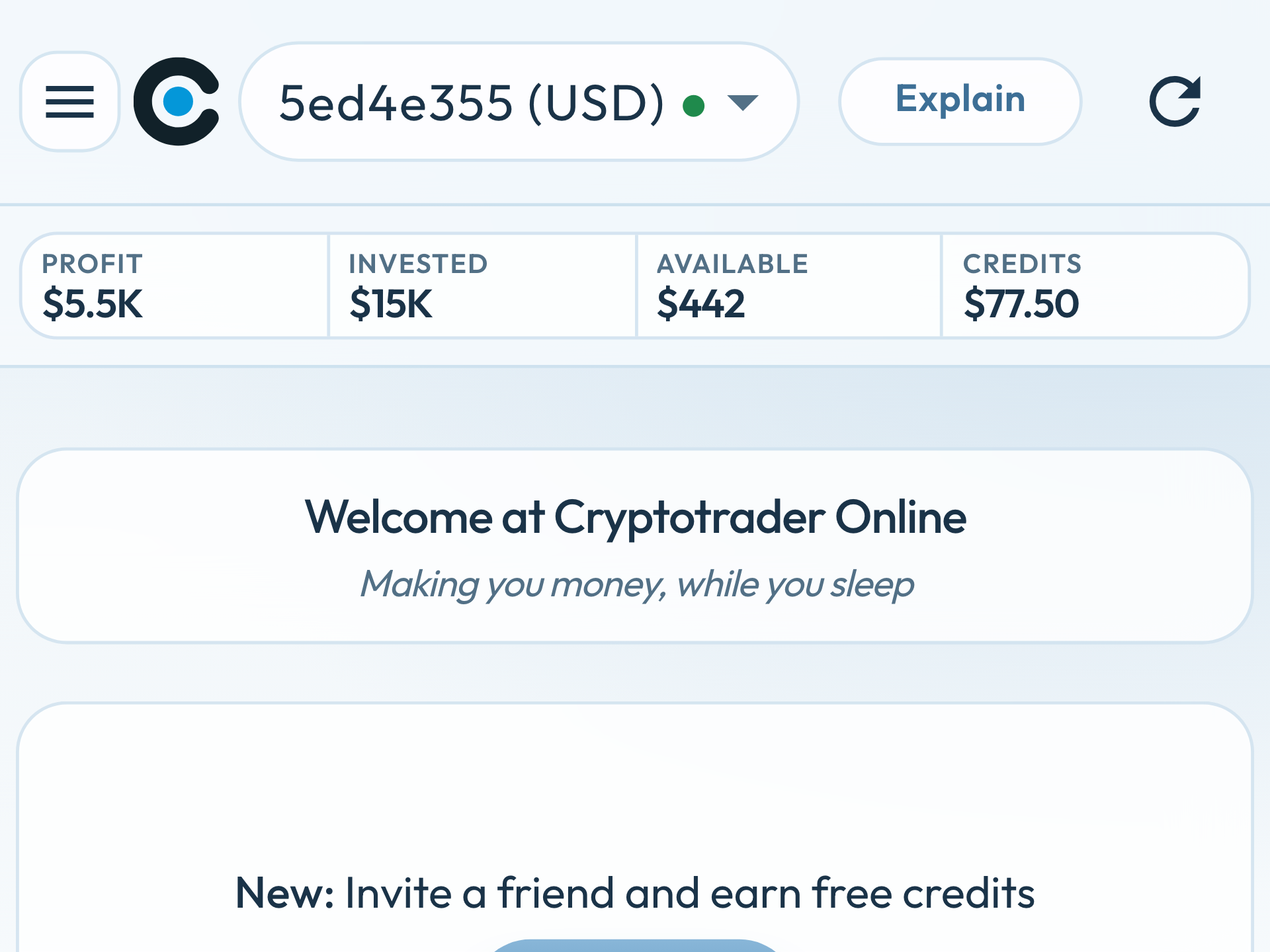
The responsive design now works even better with the popular smartphones.
-
The refresh button now refreshes all information.
The web app can be found at https://portal.cryptotrader.online/
ps You may need to refresh if the application does not start.
Invested USD
This is the invested capital (expressed in US Dollars) in the trader. This is the sum of the freely available USD in the exchange account plus the value in all pockets at the original purchase price. The trader only starts when there is at least $1000 or €1000 in the linked exchange account. That is a software start condition, not a recommended deposit for return. See the FAQ. By depositing USD in the exchange account you can increase the invested capital.
Here is the page which explains the UI of the Web App
Help screen for new users
As soon as a user has just started with the trader, they will receive a help screen that indicates what you still need to do to get the trader started. As soon as there is at least $1000 in the exchange account and credits have been purchased, the trader will run and the help screen will disappear.
Responsive design
Because the Web App works with a responsive design, it works optimally on a PC, tablet or smartphone.
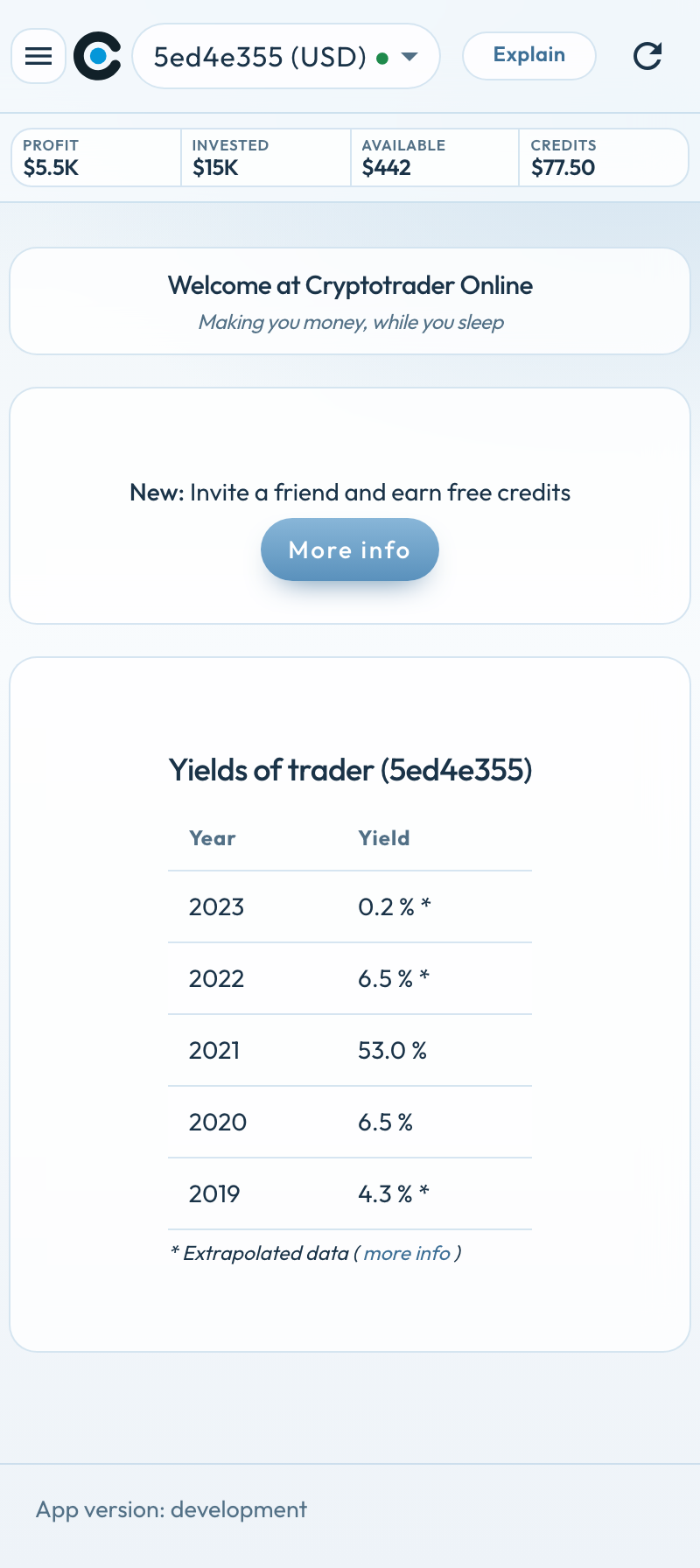
As soon as you turn the phone you will see more information.