Trader Limit
A Trader Limit is a budget cap on a trader. The trader may then not use more than that amount. What remains on your exchange stays put.
Without a limit the trader uses the entire available balance in its currency. If several traders share the same account, as on Kraken, it splits that balance across those traders. With a limit this trader gets at most the amount you set.
What counts?
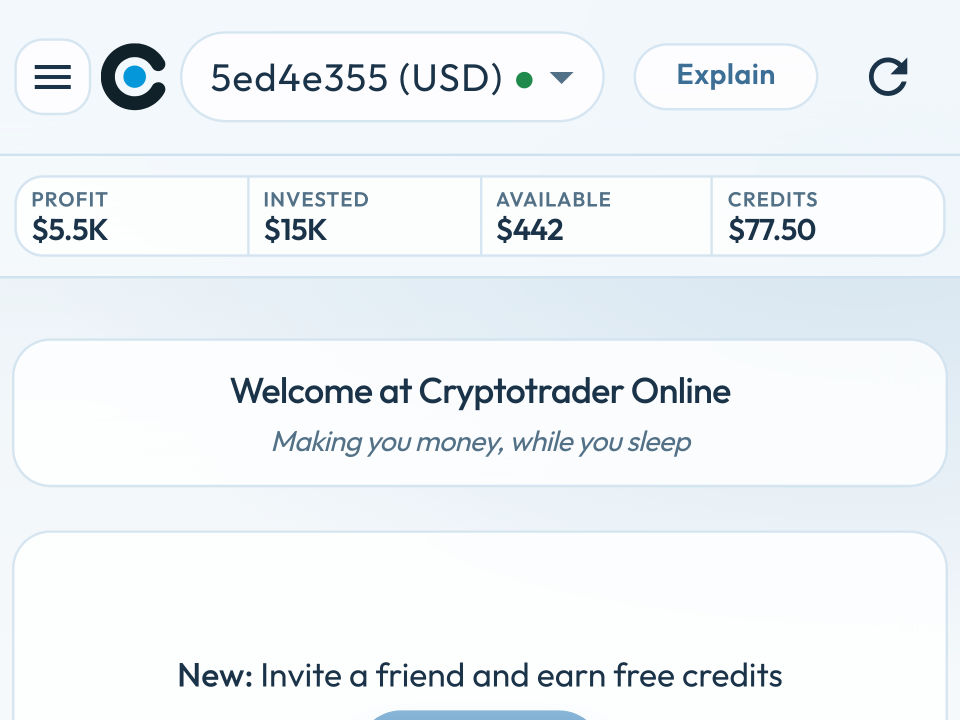
The limit is the trader’s total capital: the cost basis of your pockets plus the free balance (Available in the top bar).
- Pockets of $3,000 and a limit of $5,000 → Available is $2,000.
- Pockets + Available hit the limit → Available is 0. The trader does not buy anything until there is room (after a sale, or if you raise the limit).
- The limit does not create extra money. If there is only $1,000 on the exchange, Available stays $1,000 even if the limit is $5,000.
When is it useful?
- You have more euros or dollars on the exchange than you want to give this trader.
- Multiple traders on the same Kraken account: each trader gets its own budget, they do not eat each other.
- You want to keep a buffer — for a withdrawal, another trader, or simply not putting everything to work.
How to set it on a new trader
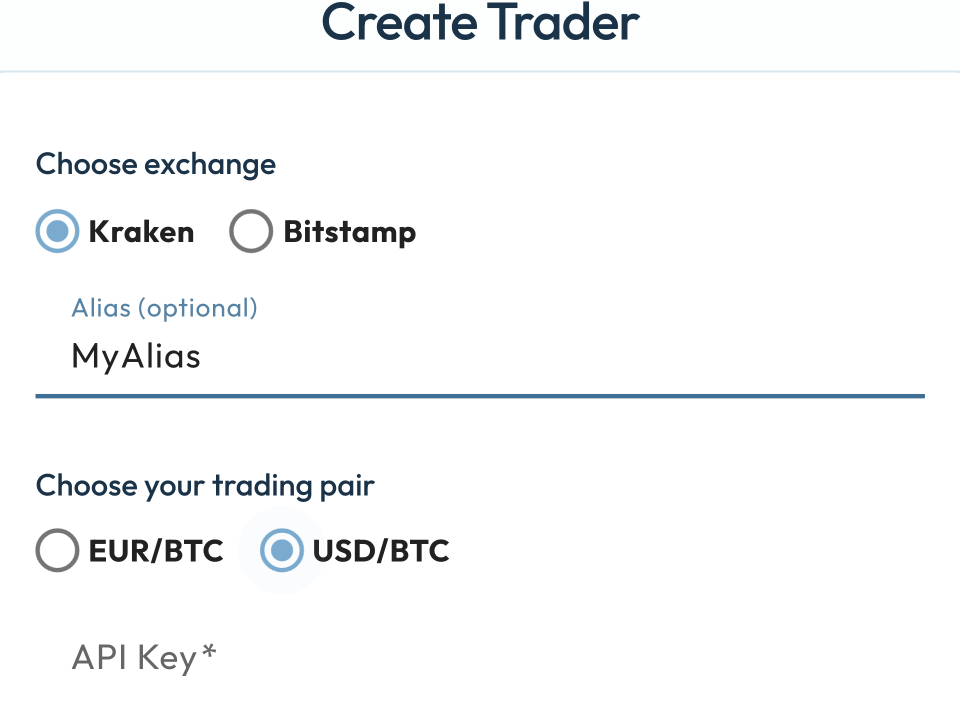
- Go to Settings → Traders and choose Add Trader.
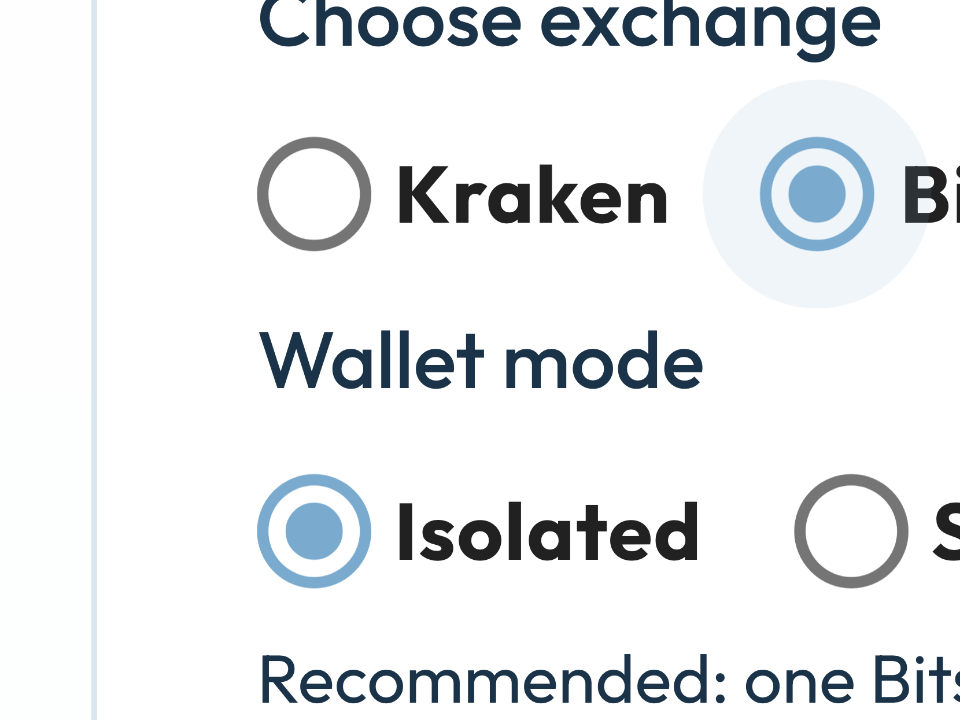
- Pick exchange and trading pair (EUR/BTC or USD/BTC).
- Turn Enforce Budget Limit on.
- Enter the amount. It is euros or dollars, depending on the pair.
- Enter Customer ID and API key, and save.

It also works on an existing trader: the pencil in the trader list, the same switch.
What do you see afterwards?
- In the trader list: the amount, or “no” if the limit is off.
- In the top bar: Available takes the limit into account, and other traders on the same account. See new look.
You can change or turn off the limit later. Off = the trader may use the entire available balance again.
Benefit: you decide how much of your exchange balance this trader may use. The rest stays untouched — useful with multiple traders, or if you want to keep a buffer.