New Design
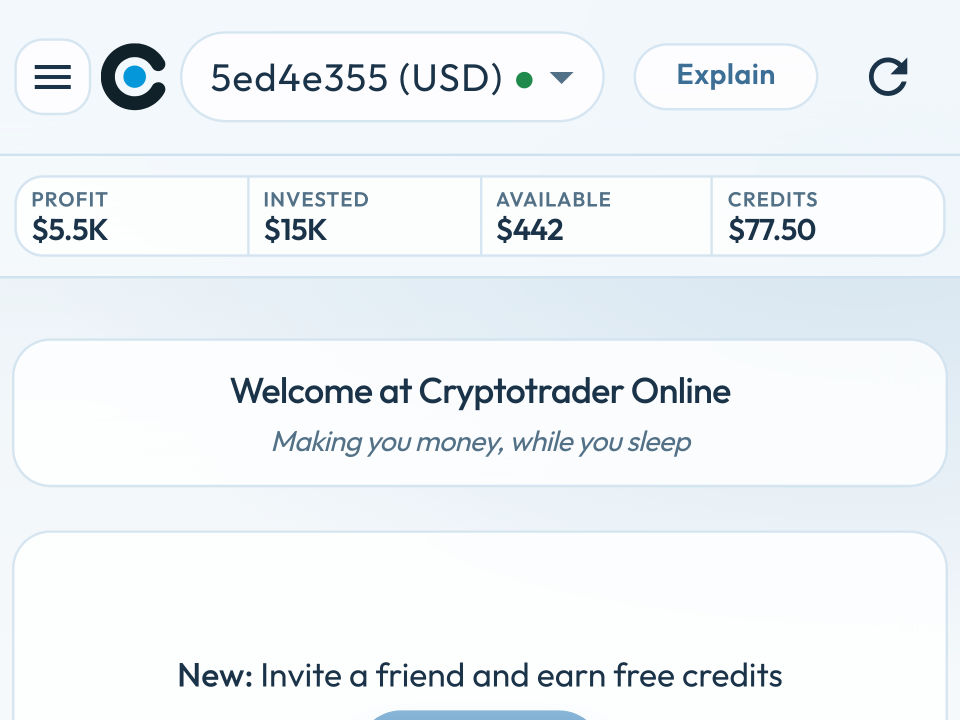
The whole app has a new design: glass-like cards, ice-blue palette and clear buttons. The goal is simple: you see in one second how your trader is doing — on desktop and on your phone.
Choose your trader
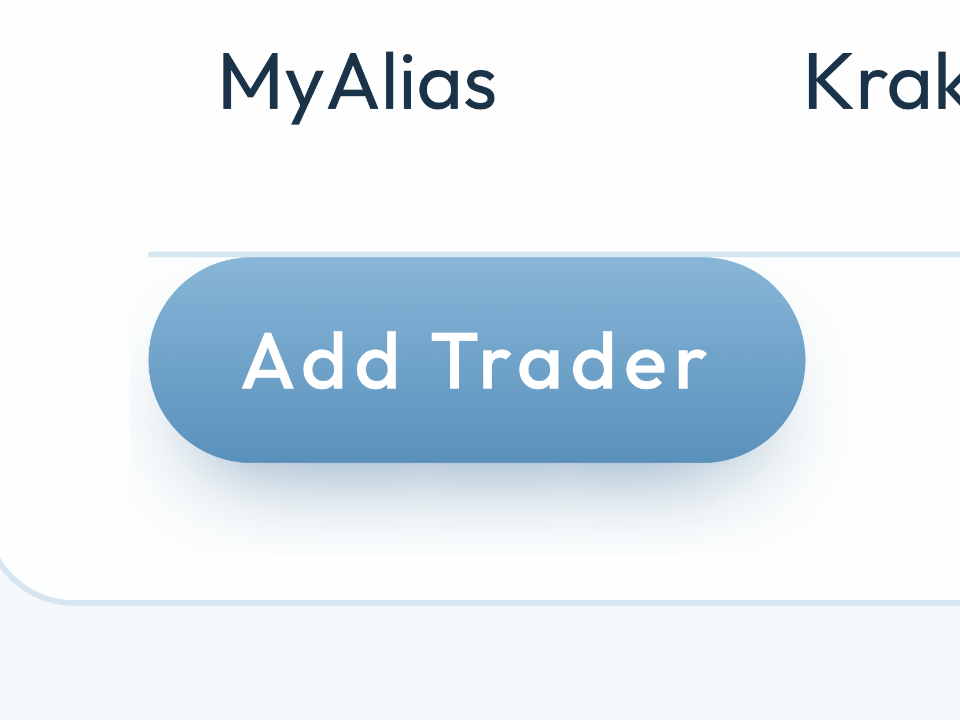
At the top of the screen you can choose which trader’s information you want to see. You can create new traders yourself in Settings.
A clear overview
- Profit — profit since the start. That money is back in your exchange account and is used again.
- Invested — this is what you have invested: available money for this trader on the exchange plus the value of your pockets at the original buy price.
- Available — the available balance for this trader. It takes into account that there may be multiple traders on the same account, and trader limits.
- Credits — your balance to keep the trader running. Without credits the trader pauses.
Buy Credits Here you can buy new credits. Explain UI (on a smaller screen Explain or (i)) opens the explanation of the screen you are on.

On your smartphone too
The app is fully responsive: the layout adapts to the screen size. All the important information stays visible on your smartphone.
On your phone the menu sits behind the hamburger icon. Buy Credits is at the top, Logout at the bottom — you do not have to hunt for them.
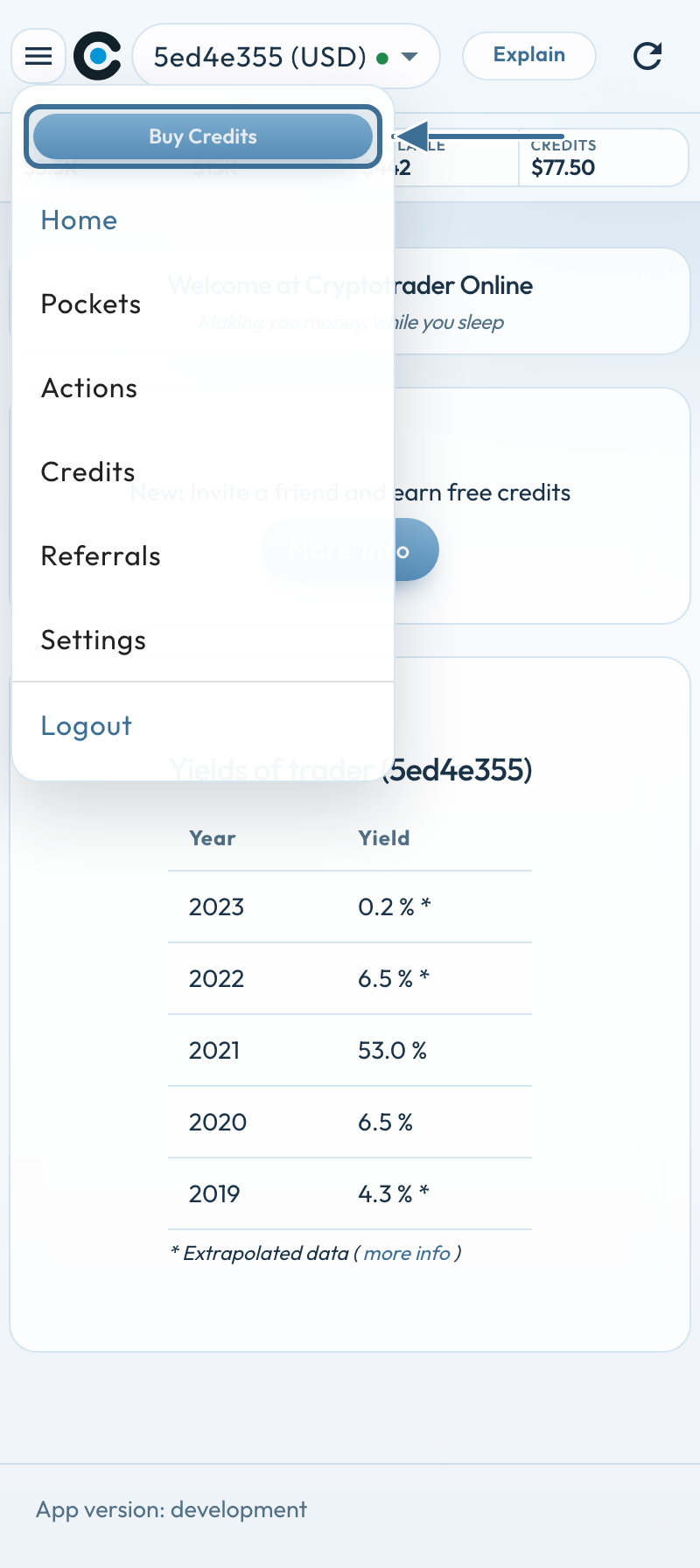
On a small phone there is little room. The app now shows what you need to see how a pocket or an action is doing — without columns falling over each other.
Pockets
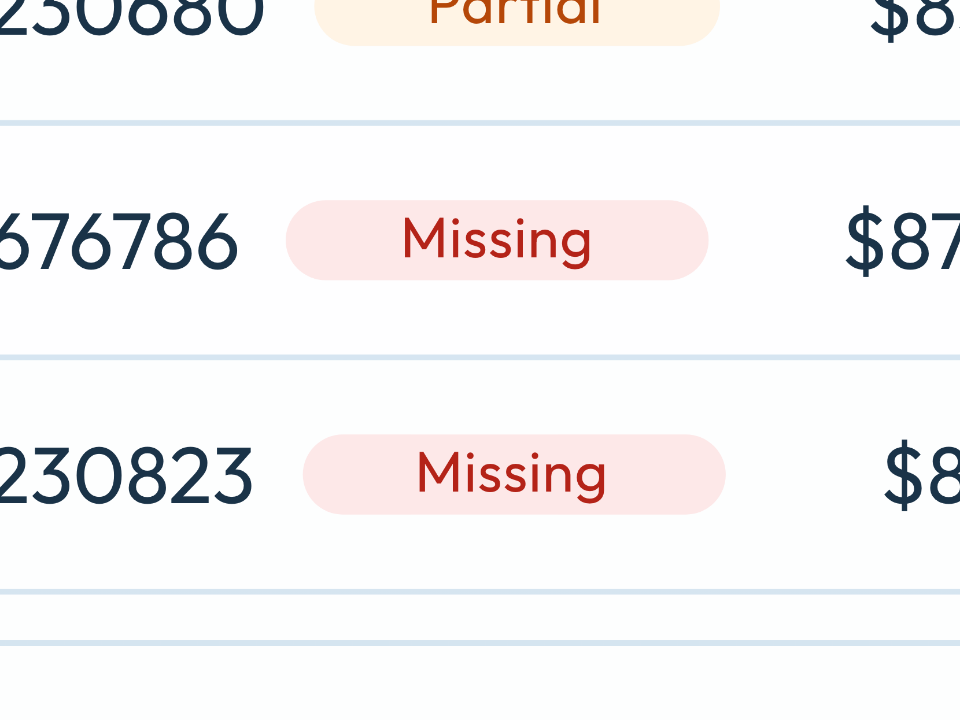
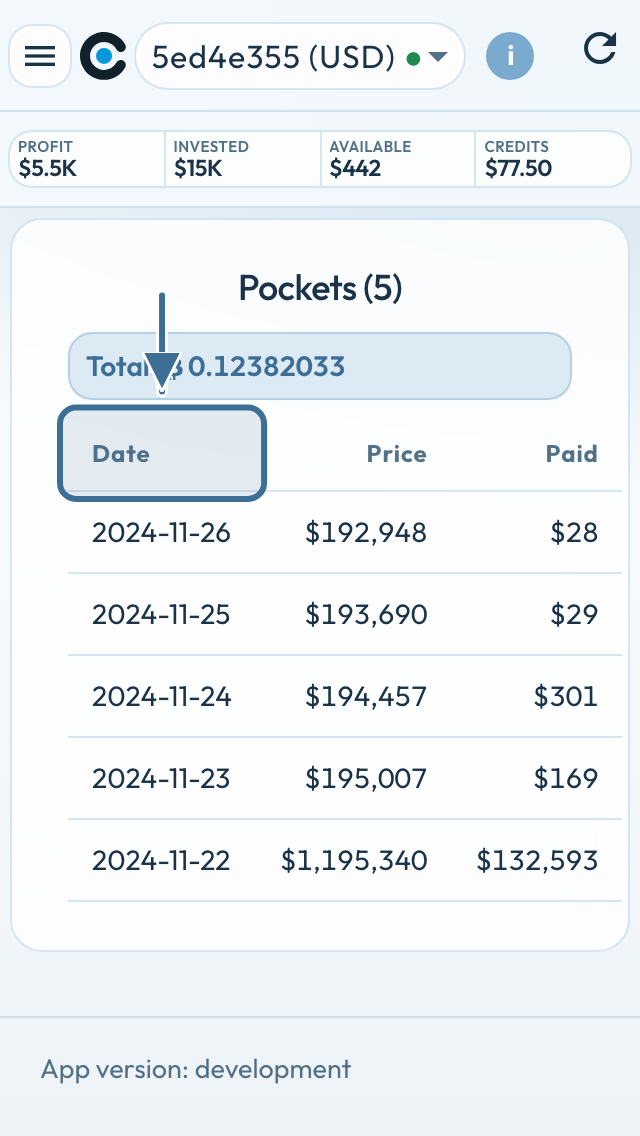
On a small screen the pockets table shows Date / Price / Paid: the date the pocket was bought, the bitcoin price, and the amount of money you paid for this pocket.
The bitcoin total is under the table.
Actions
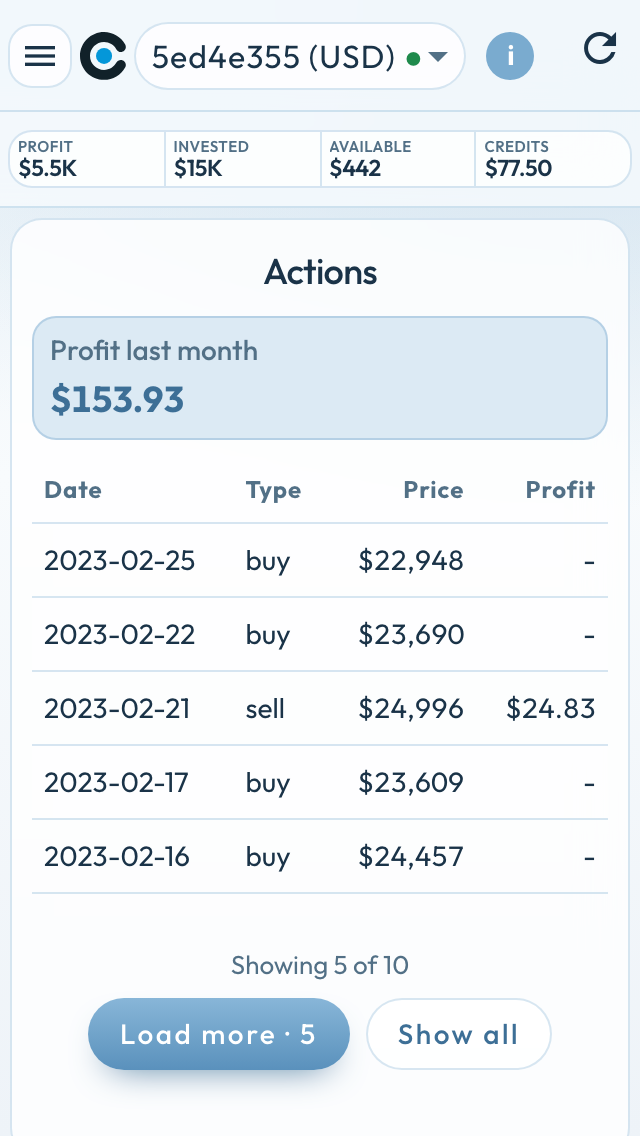
On a phone you also get a compact overview of all actions.
Tip: Rotate your phone (landscape) to see more information.
Back where you were
Two things you notice when you log in:
- If you open a page while logged out, you return to that page after login
- If the server is briefly unreachable, you see that on the login screen. No blank page.
Benefit: On the go, on your phone, you can keep a close eye on everything.