Trader Alias
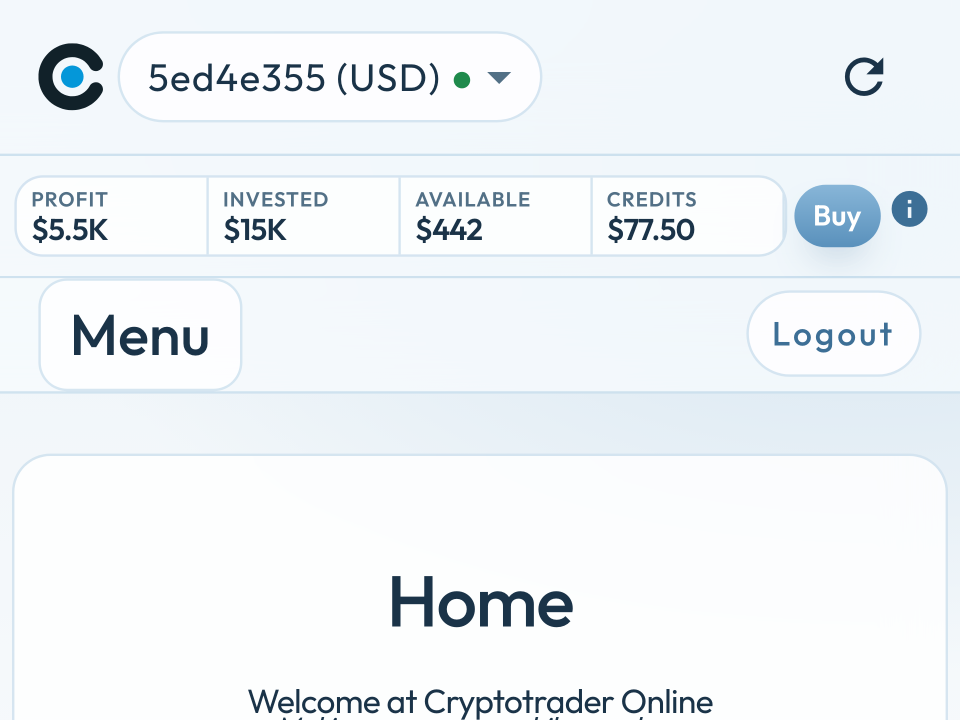
A Trader Alias is a short name for your trader. It is optional: that way you recognise your own trader at a glance — in the app and in email. Without an alias you only see a Trader ID — the first 8 characters of a UUID, for example 5ed4e355.
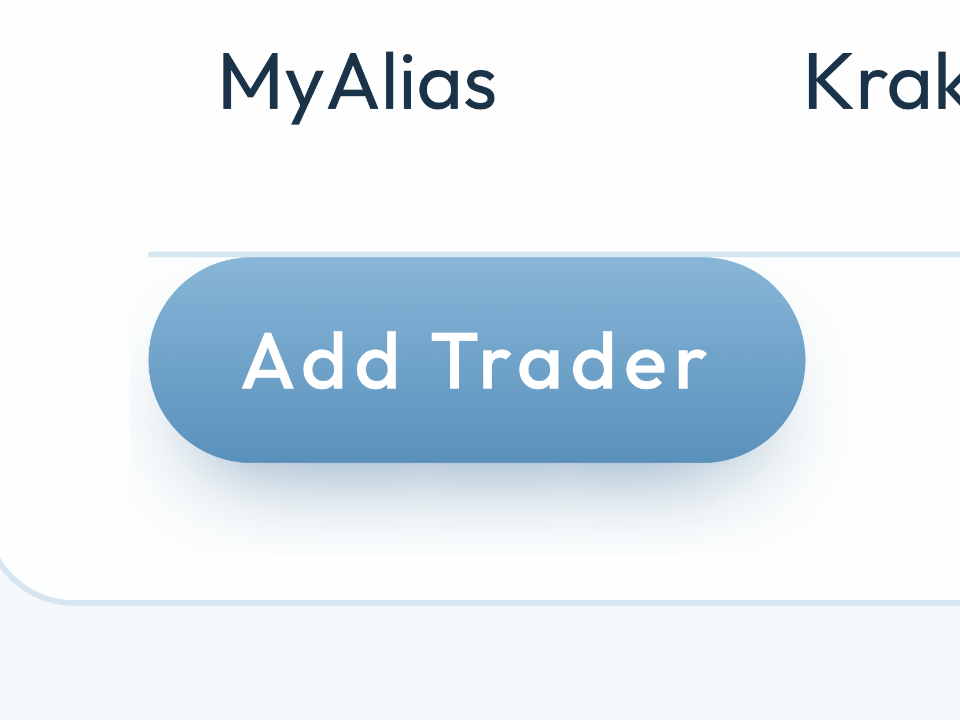
The alias may be at most 8 characters. Put in something you recognise immediately, such as MyAlias, Euro or Kraken.
What is the benefit?
- Multiple traders (euro and dollar, or two accounts) are easy to tell apart.
- You pick the name. You do not have to remember a UUID.
- In email you immediately see which trader bought or sold.
- Optional: leaving it empty is always fine. Then the Trader ID stays visible.
Where do you see the alias?
Everywhere Cryptotrader names the trader, it uses the alias if there is one. Otherwise the Trader ID. That applies in the app and in email.
- Top bar — the trader selector shows
MyAlias (EUR)instead of the ID, for example5ed4e355 (USD). - Home — the heading Yields of trader (MyAlias).
- Settings → Strategy — These settings apply to MyAlias (EUR).
- Settings → Traders — the Trader column in the list.
- Email — subject and body of buy and sell emails, and the overview lines when bitcoin is missing.


In email
Cryptotrader now also uses the alias in outgoing email. Without an alias the Trader ID stays in use — the same first 8 characters as in the app.
- Subject —
Cryptotrader.online (MyAlias) @bitstamp: Sell with $101.02 profitinstead of(5ed4e355). - Buy and sell — the email itself has a Trader row with the alias.
- Missing bitcoin — Trader (MyAlias) is missing … BTC. A trader without an alias stays the ID, for example Trader (5ed4e355) is missing … BTC.

How to set it on a new trader
- Go to Settings → Traders and choose Add Trader.
- Pick exchange and trading pair (EUR/BTC or USD/BTC).
- Fill in Alias (optional). At most 8 characters.
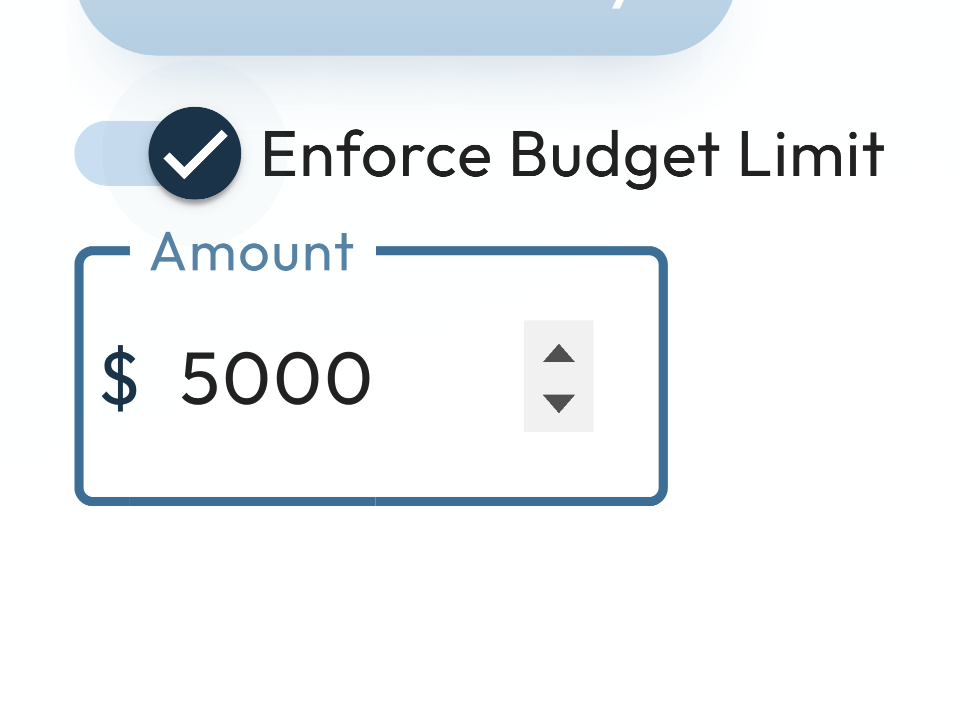
- Enter Customer ID and API key, and save. Optionally you can also set a Trader Limit.

On an existing trader: fill in the Alias in the same field. You can change or clear the alias later. Empty = the Trader ID again — including in new emails.
Benefit: you recognise your trader everywhere in the app and in email, without remembering a UUID. Useful as soon as you have more than one trader.