New emails
Sale
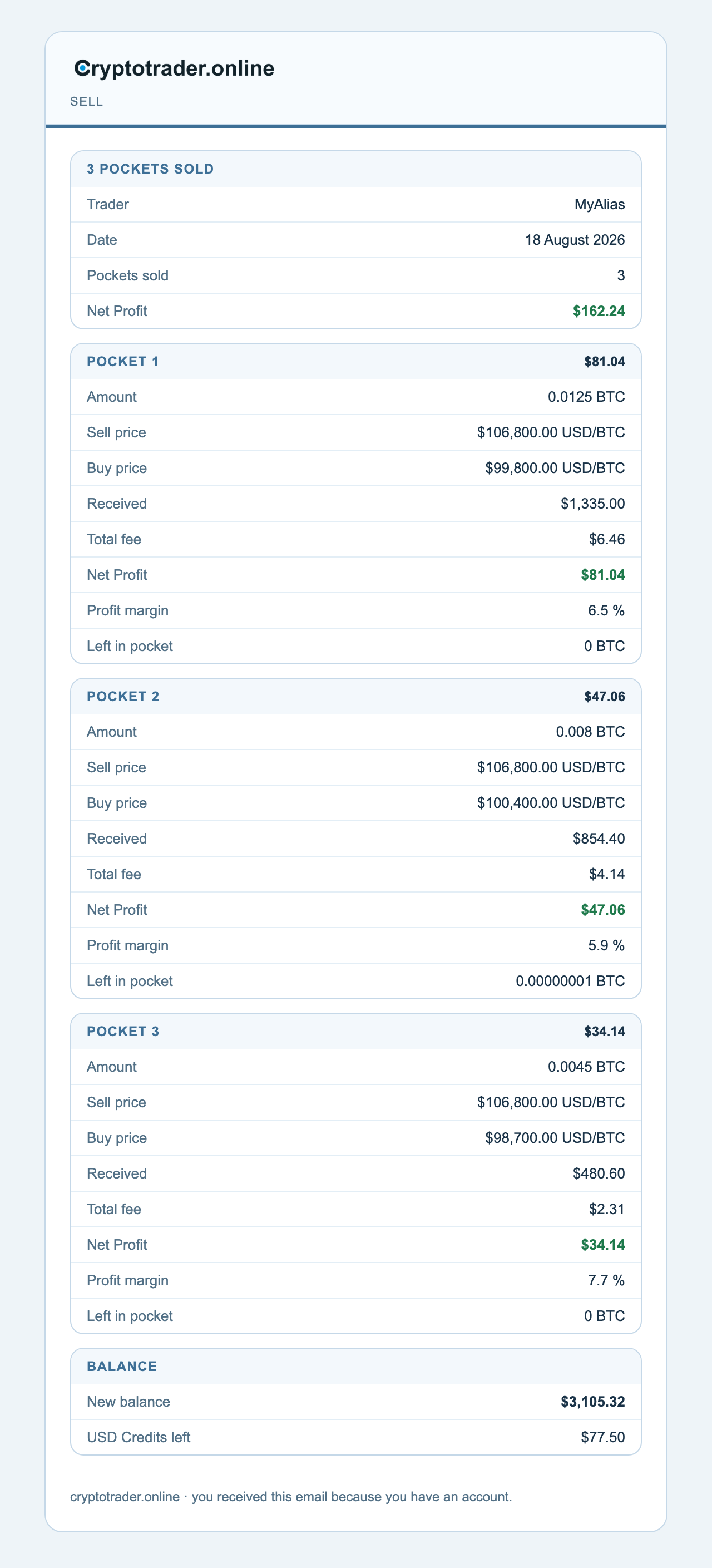
After every sale you get an email. The subject has your trader alias (or the first 8 characters of the ID), the exchange, and the profit — for example Cryptotrader.online (MyAlias) @bitstamp: Sell with $161.12 profit.
What you see in the email:
- Kicker Sell under the logo, with a thin blue bar
- No “Dear …” and no button — you get the numbers immediately
- Panel 3 pockets sold: Trader, Date, Pockets sold, and Net profit in green
- Then one panel per pocket: Amount, Sale price, Buy price, Received, Total fee, Net profit, Profit margin, Remaining in pocket
- Panel Balance: New balance, and if you do not have free billing USD Credits left (or EUR)
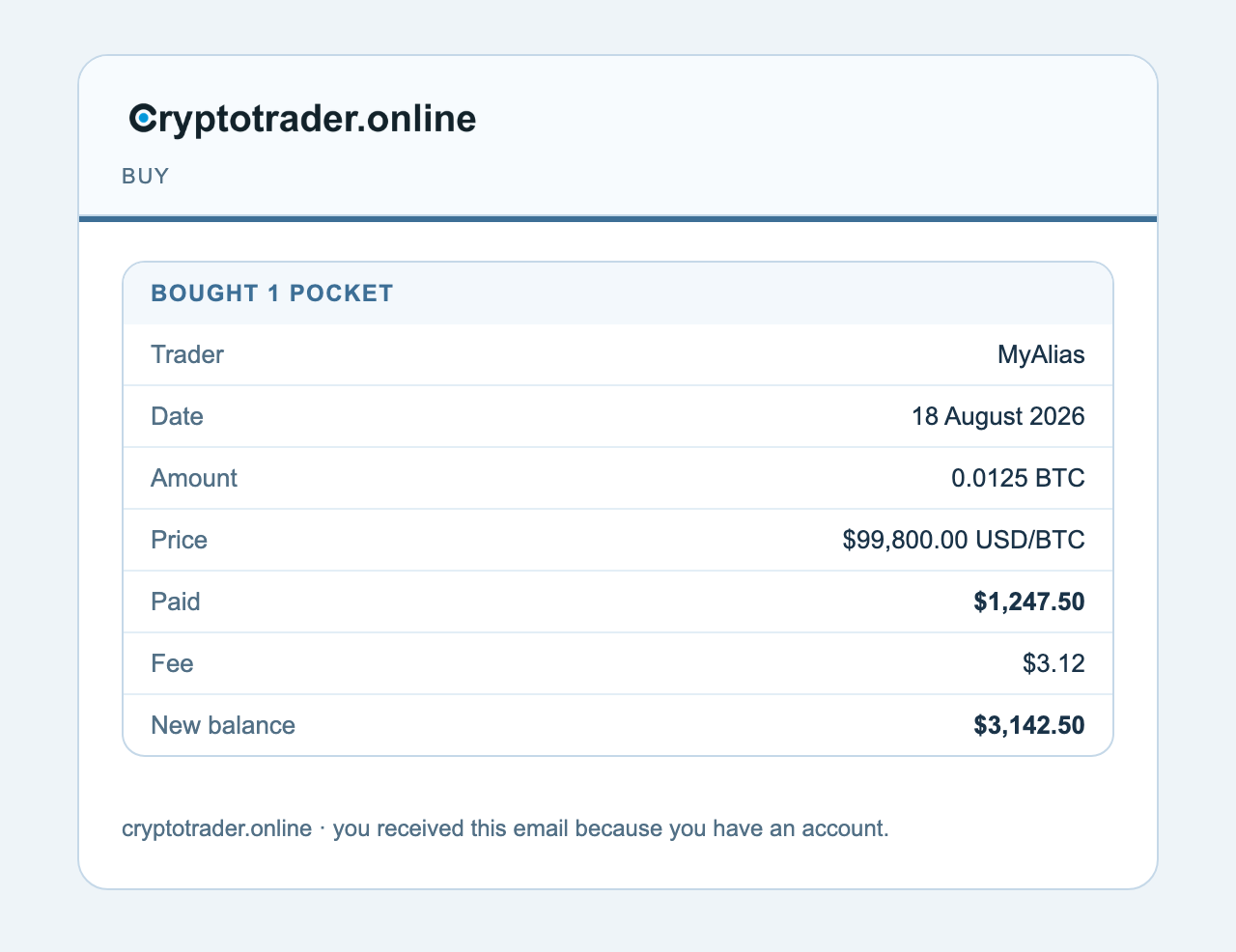
Buy
Kicker Buy. One panel Bought 1 pocket: Trader, Date, Amount BTC, Price, Paid, Fee, New balance. Again no greeting and no button.
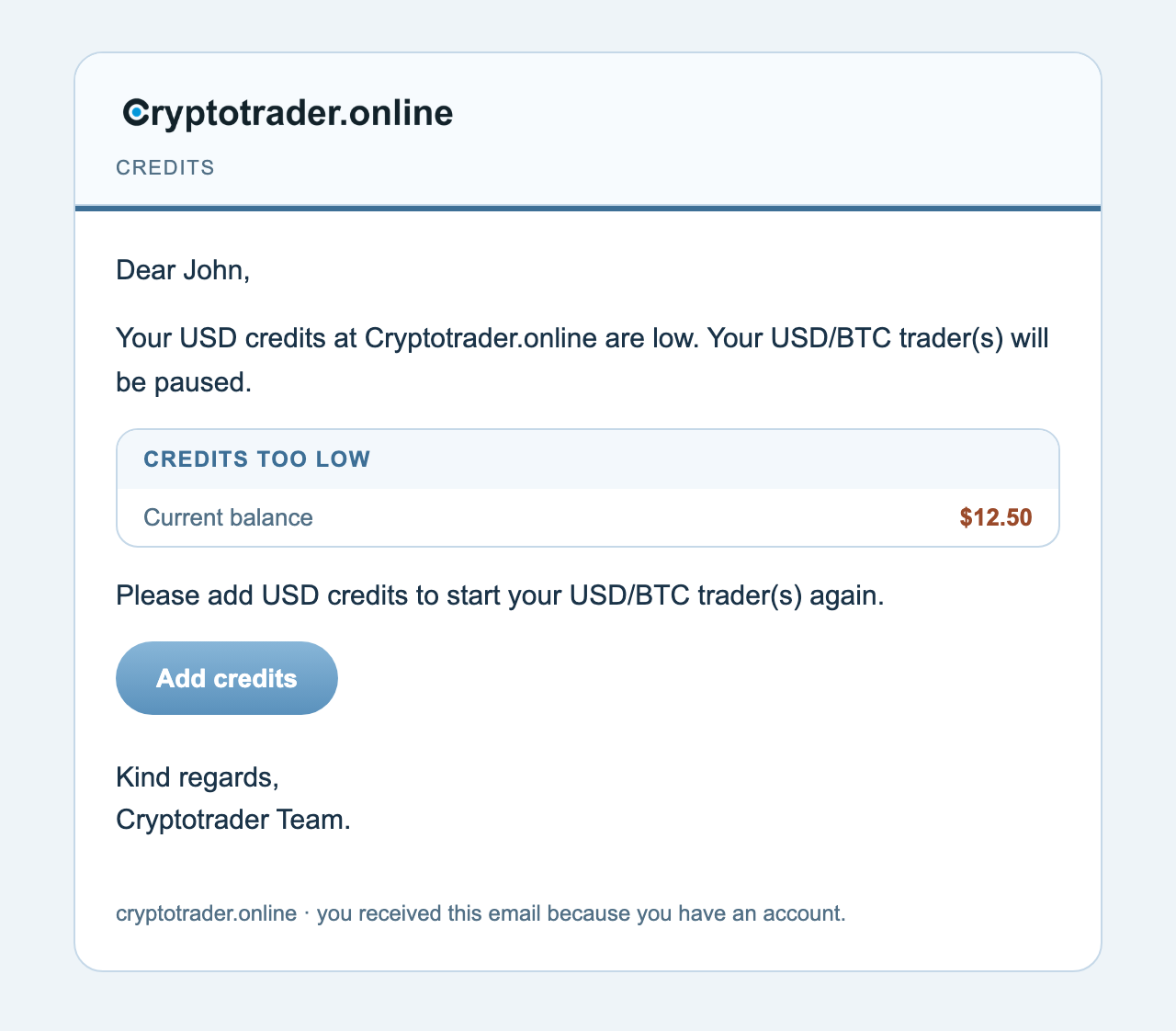
Credits too low
Kicker Credits. Starts with Dear …. The text says which credits are too low (Euro, USD, or both) and that the matching trader(s) will be paused. Panel Credits too low with the current balance. Button Add credits. Closing Kind regards, Cryptotrader Team.
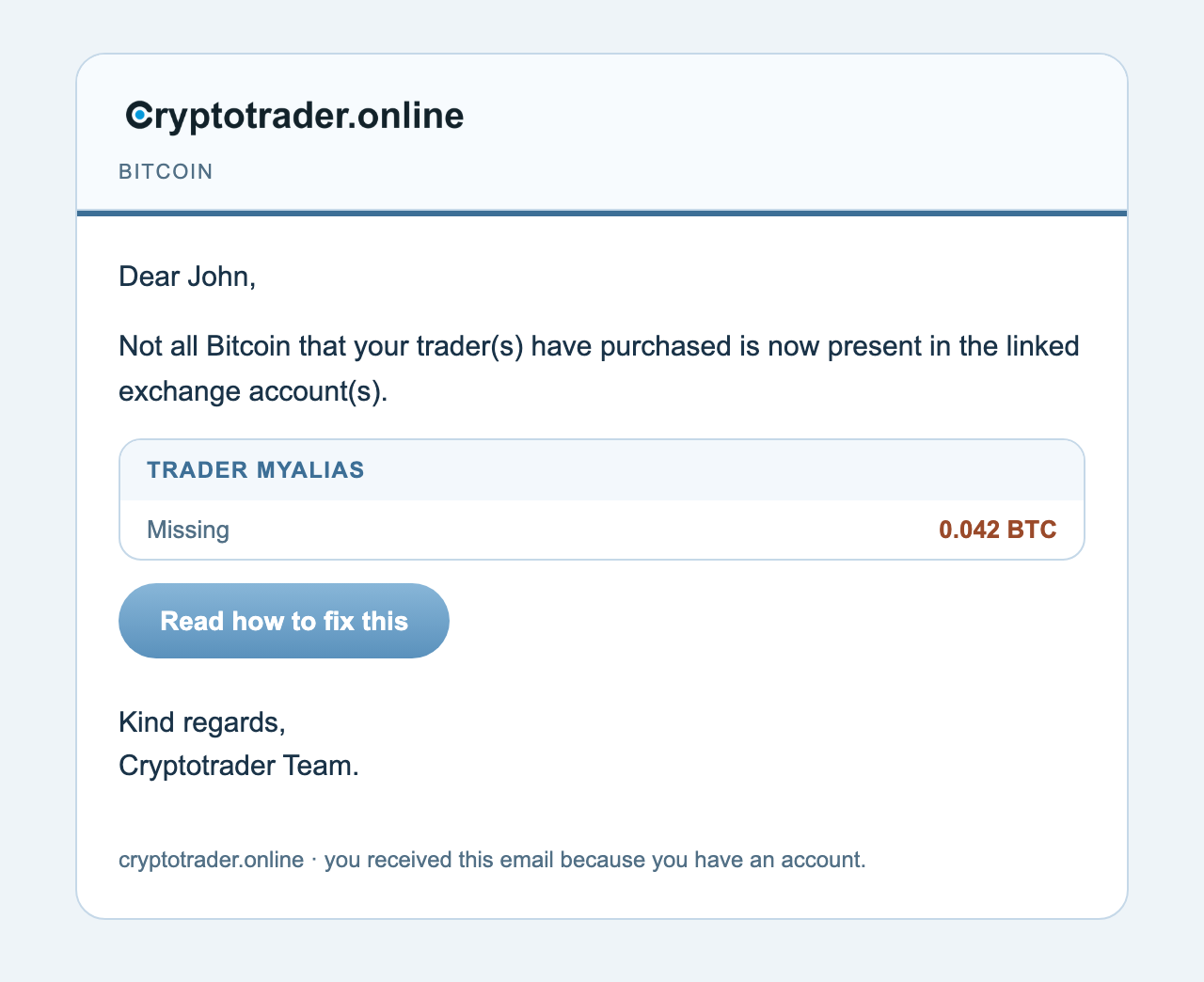
Missing bitcoin
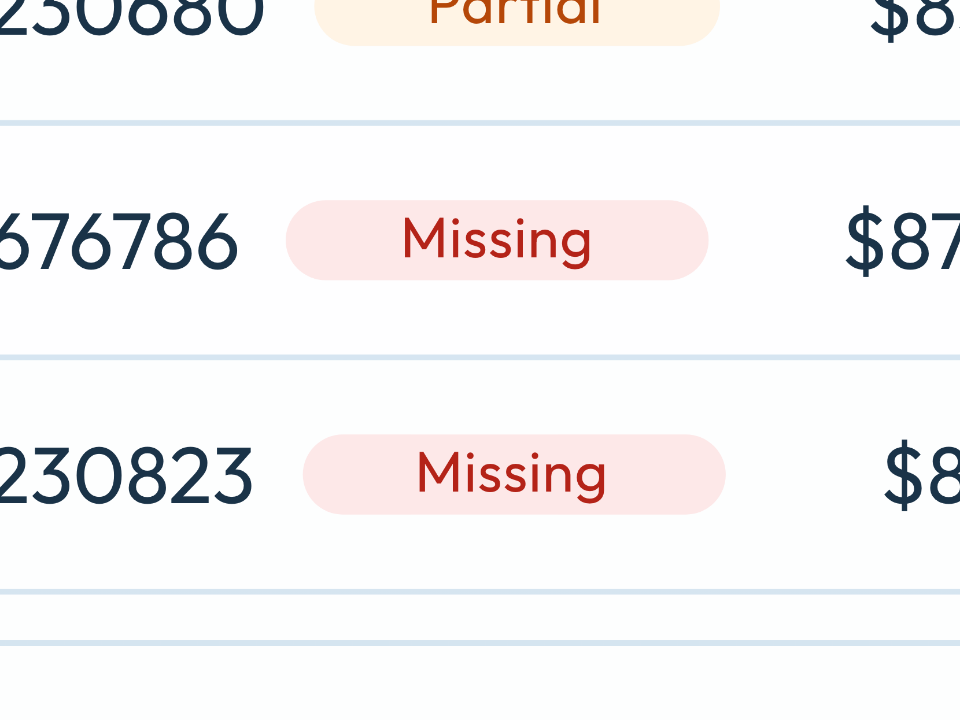
Kicker Bitcoin. Not all Bitcoin your trader(s) bought is on the linked exchange. One panel per trader with Missing in brown. Button Read how to fix this.
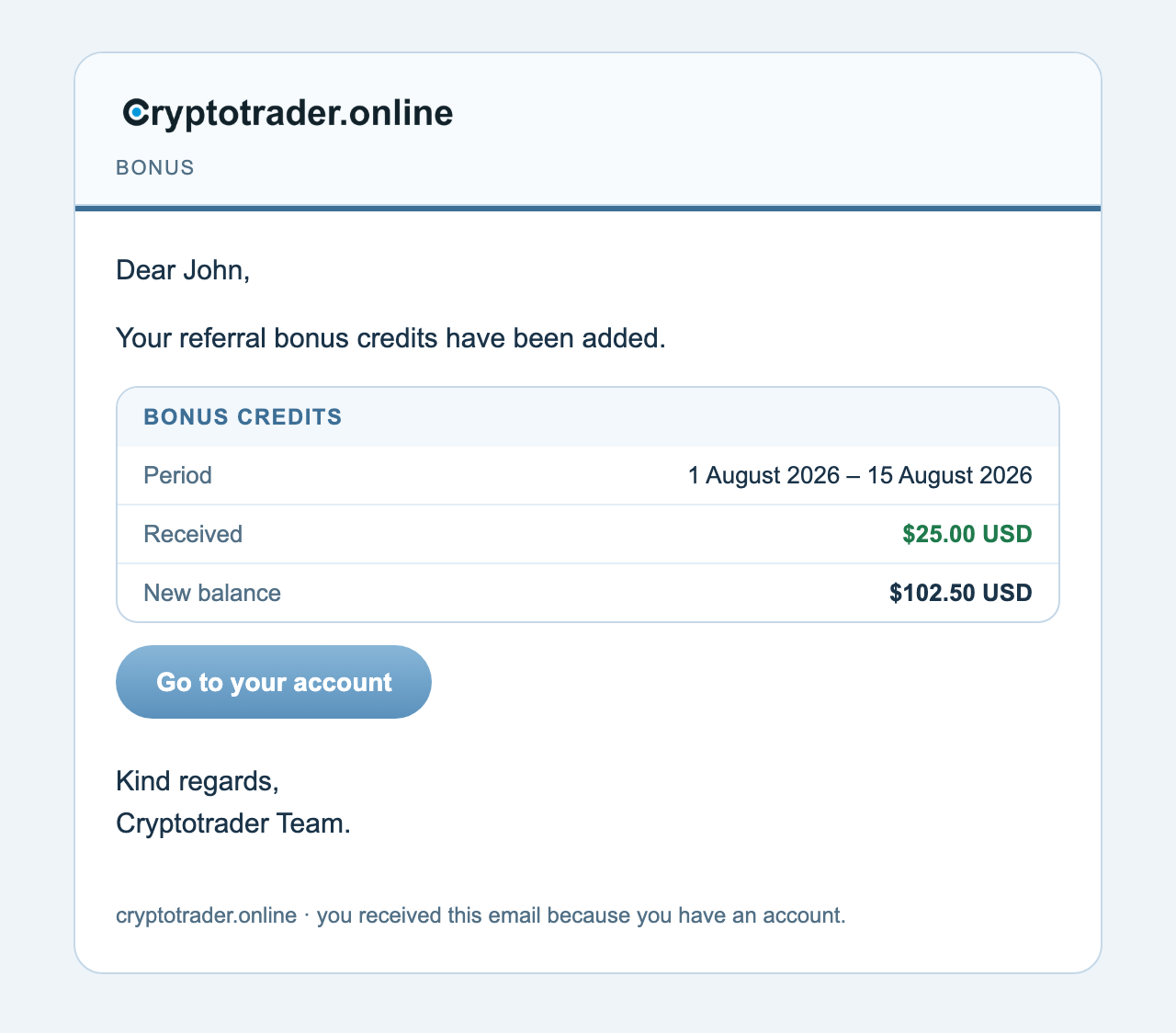
Bonus credits
Kicker Bonus. Your referral bonus credits have been added. Panel: Period, Received in green, New balance. Button Go to your account.
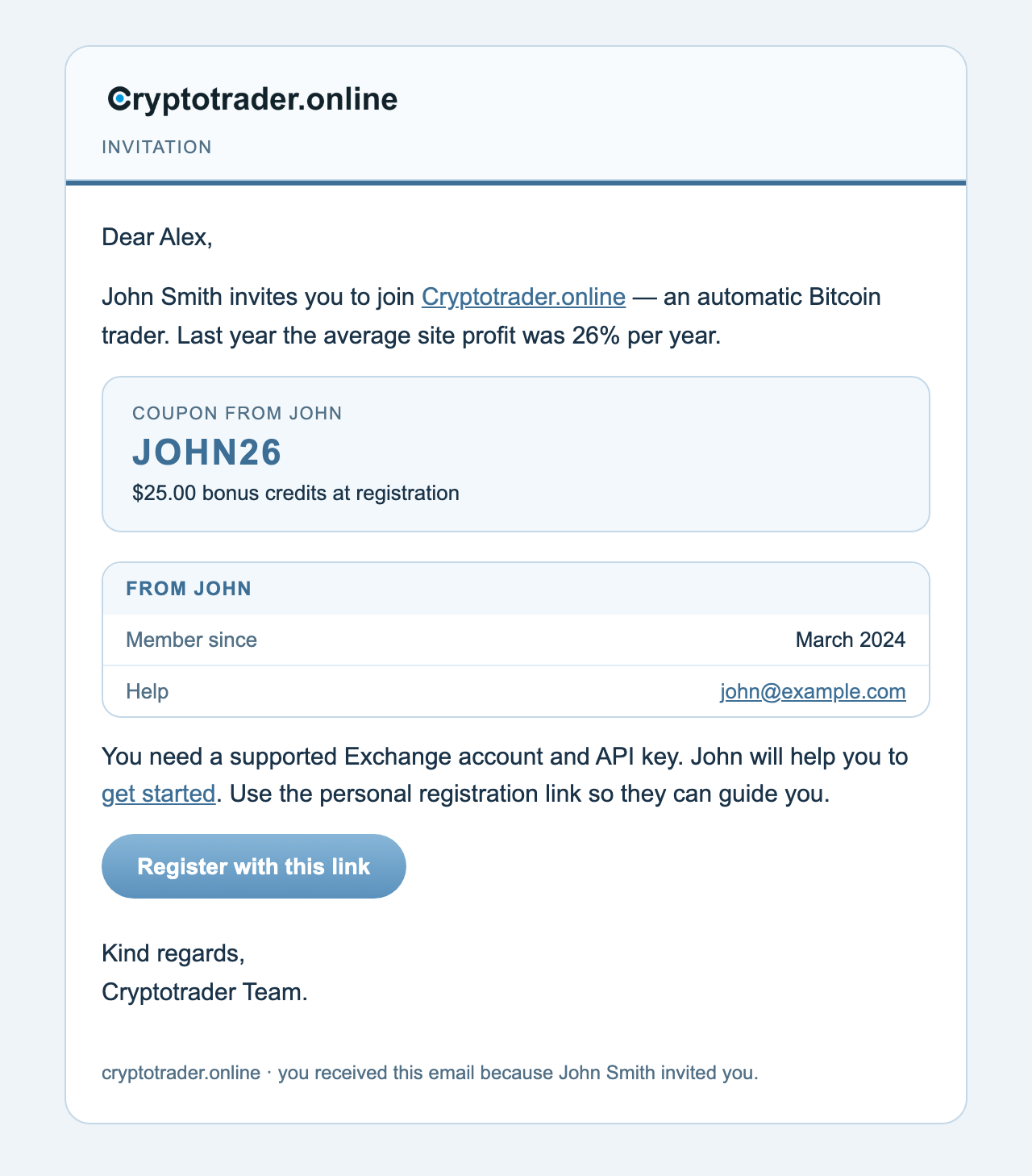
Invitation
Kicker Invitation. For someone who does not have an account yet: who invited you, the average site profit, a coupon card (code + bonus credits), a panel about the referrer (member since, help email) and button Register with this link.
Benefit: every email is recognizable by its kicker. The numbers sit in panels, not in a wall of text.