The app follows the language you pick: Nederlands or English. Menus, buttons and messages switch with it — you do not have to guess which button does what.
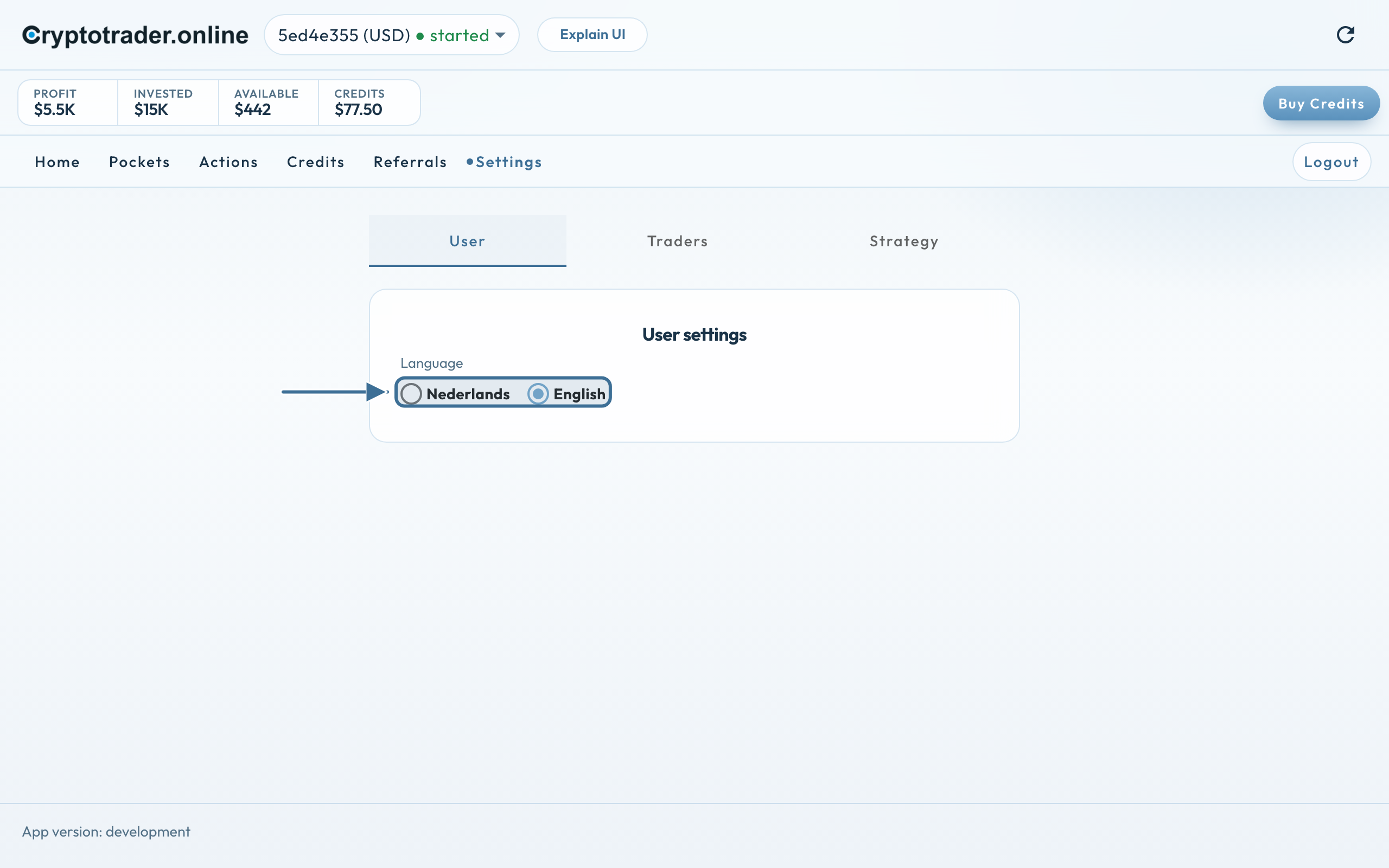
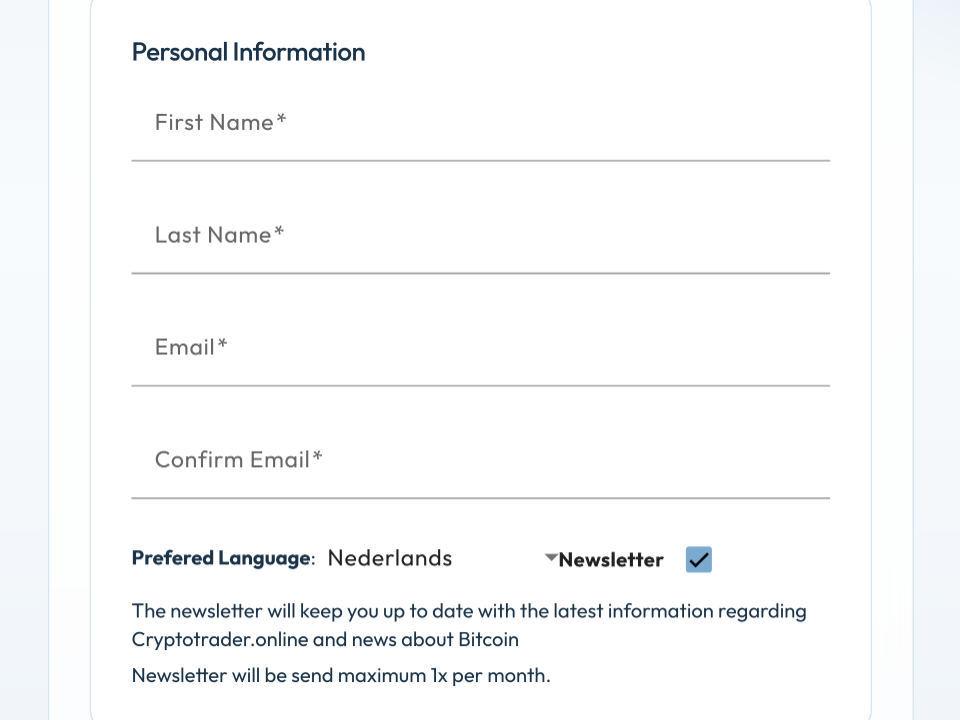
At registration you already choose the language. Later you change it under Settings → User.
How to switch language
Open Settings.
Tap the User tab.
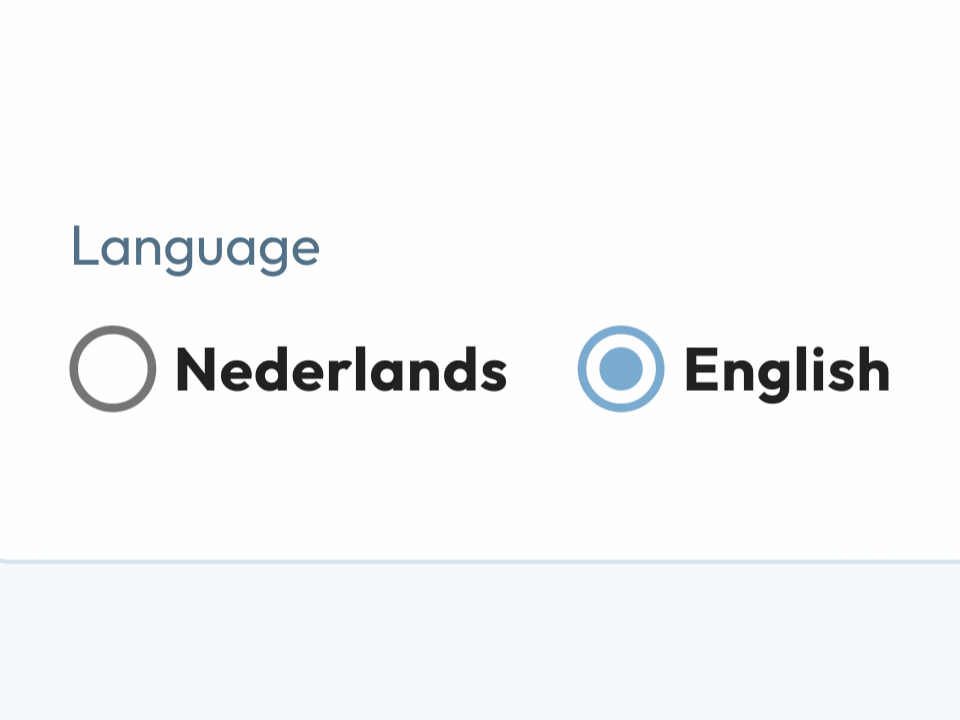
Choose Nederlands or English.
The switch applies immediately. Open steps in the setup guide stay, in the new language.
Under User: Nederlands or English. The rest of the app follows.
Benefit: you work in the language you want, on laptop and phone. One choice, the whole app.
We use cookies for the website (essential, including coupon/affiliate) and, only with your consent, for statistics via Google Tag Manager. Reject does not load tracking.